
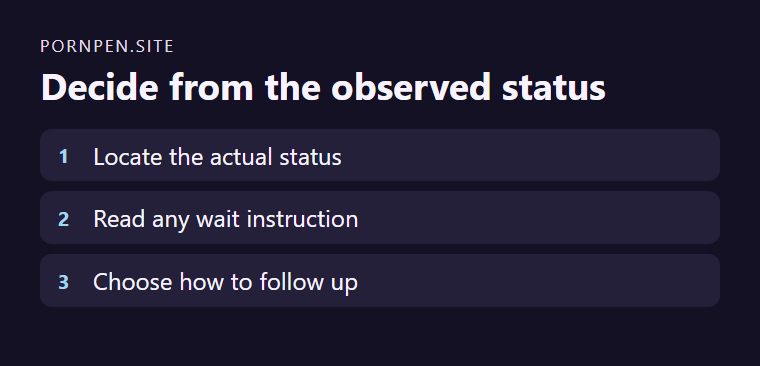
Use the actual status when the client or support provides one. MDN describes 403 as a refusal to process a request and 429 as rate limiting. A generic “try again” message can appear without either explicit status. Keep those cases separate in the note you use to diagnose the issue.
Record the action and time once
Suppose you were opening a saved project, and an error banner gave no code. Write “opened saved project, 14:10, banner with no status.” If one specific request later shows 429 and a retry instruction, keep that instruction with the event. Give the wait period a chance to pass instead of starting repeated requests.
If the documented status is 403, check whether you have the expected account or permission for that action. The status does not establish a plan charge or the site’s precise reason. Contact the appropriate support route if the intended access remains unclear.
Avoid sending unrelated request details
Give support the action, observed status, time and browser if needed. Keep full request exports out of the first attachment because they can include cookies or sign-in details. A short description of the specific operation gives the recipient a useful starting point.
When you next check, record whether the same single action worked. If there was no explicit status, report it that way. Evidence from the actual attempt is more useful than labeling every temporary problem as rate limiting.